Examples#
Below is a gallery showcasing particular examples introducing a type/theme category, but to browse all examples please consult the full listing.
Gallery#
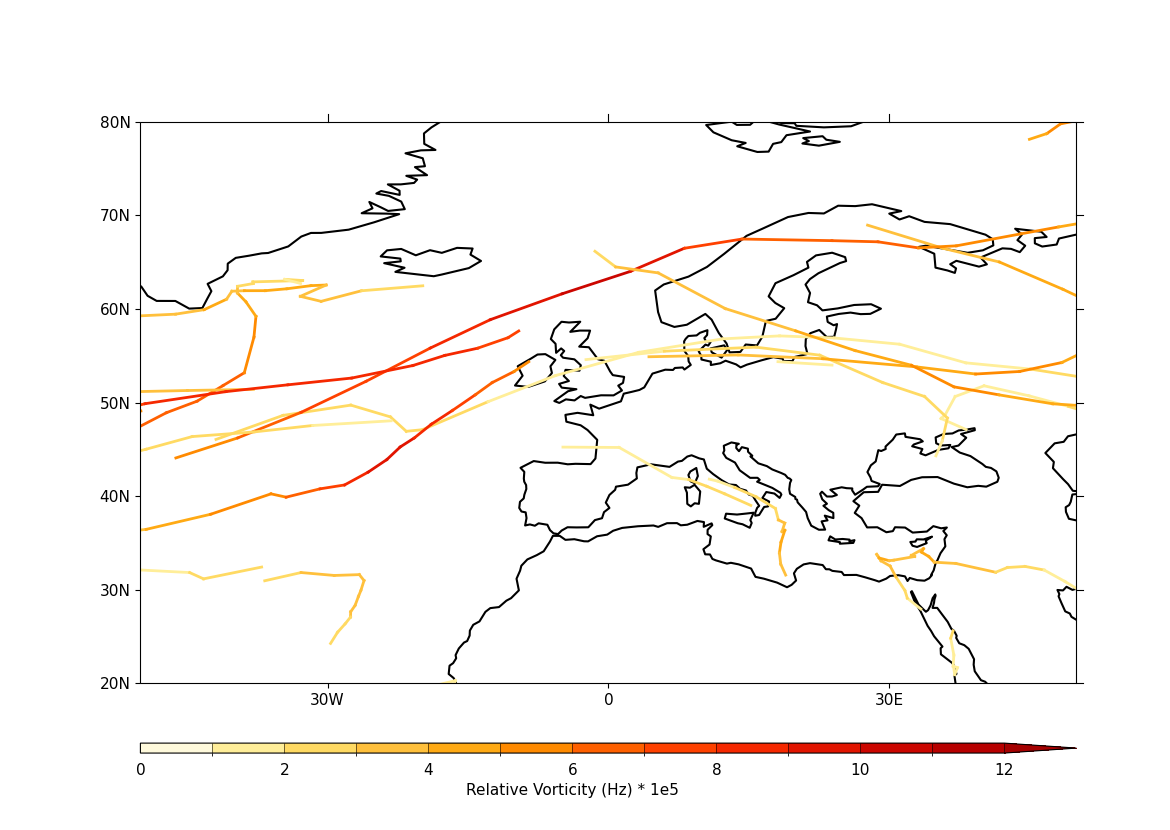
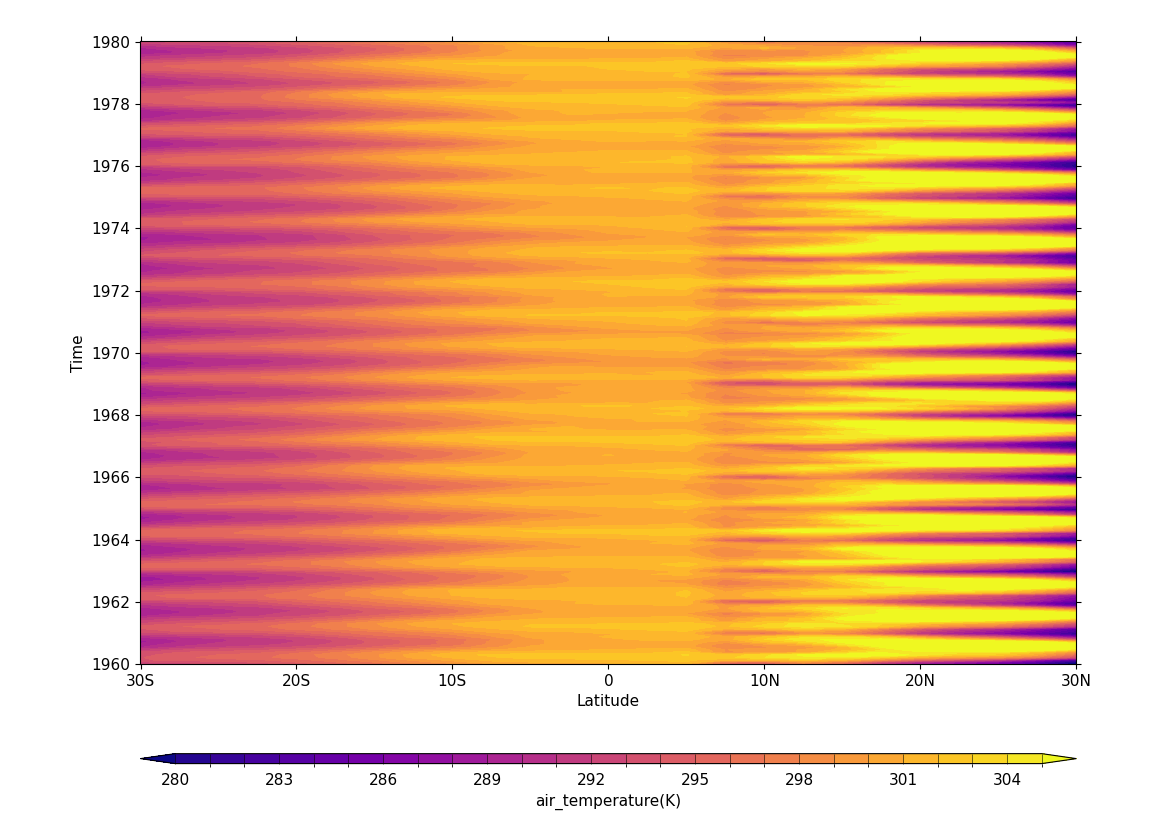
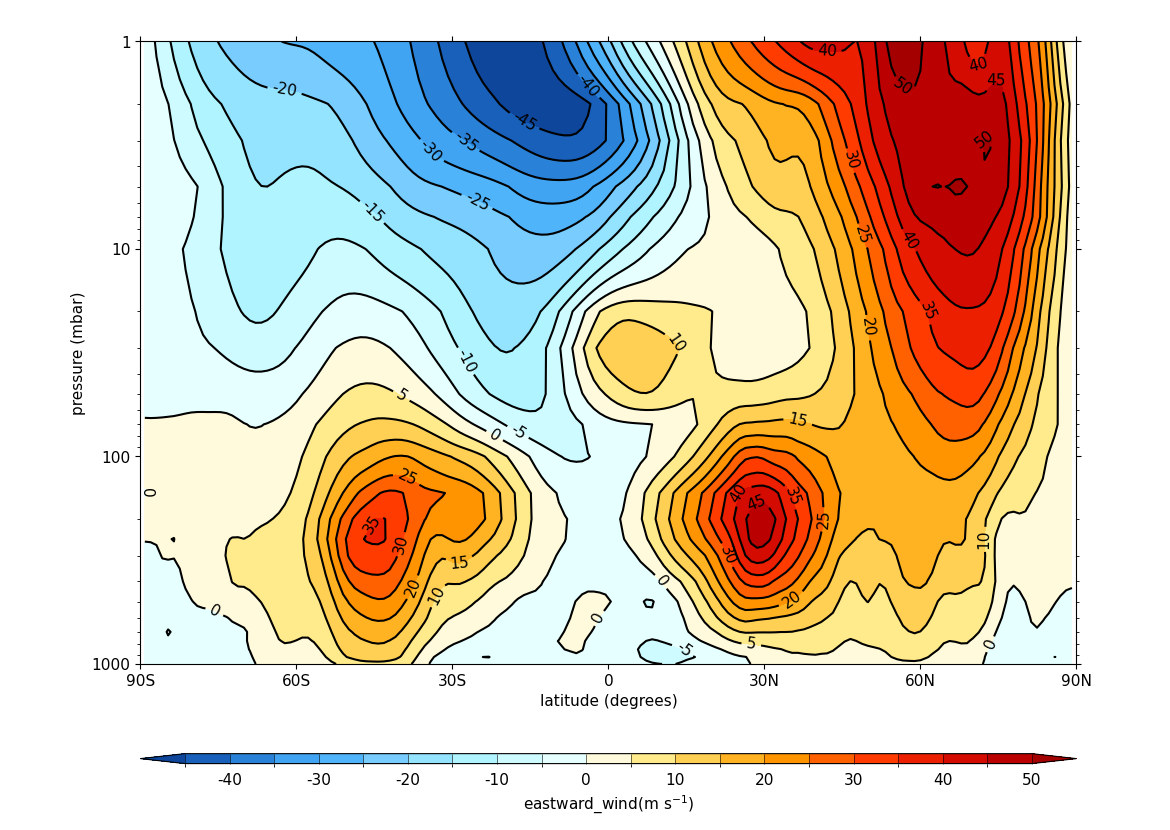
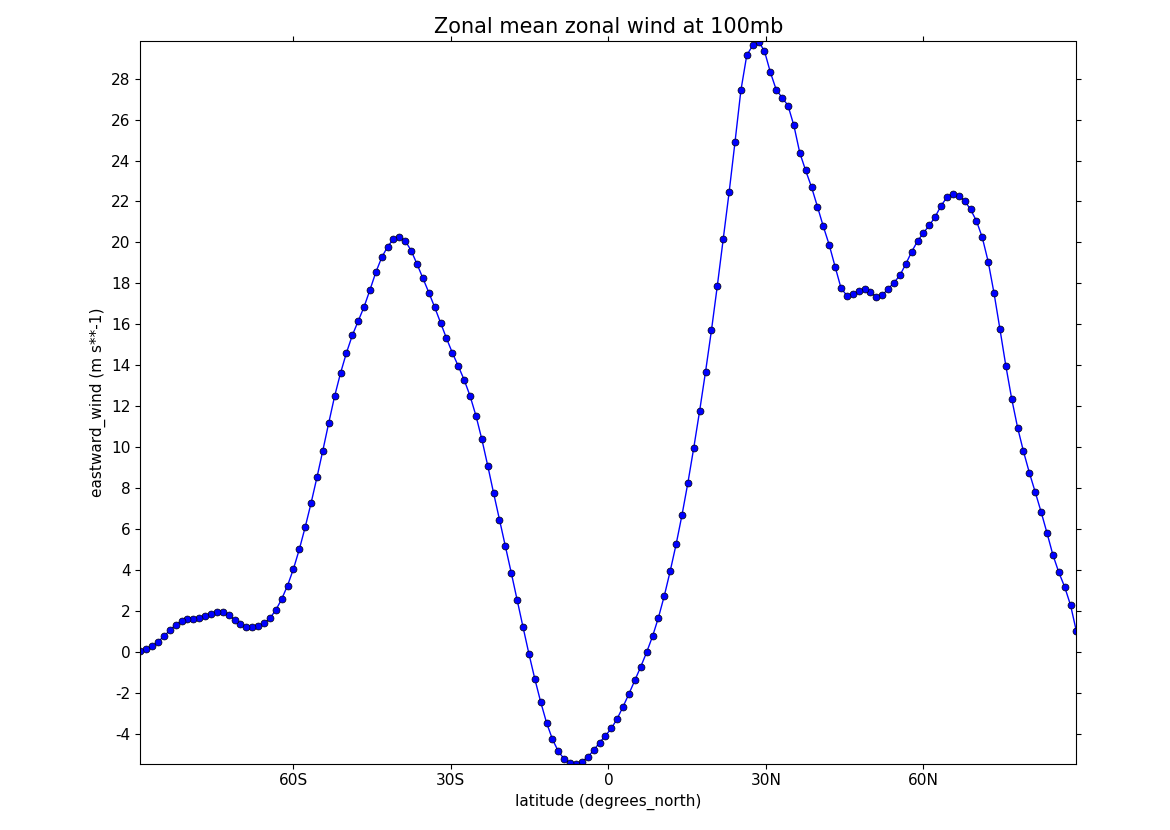
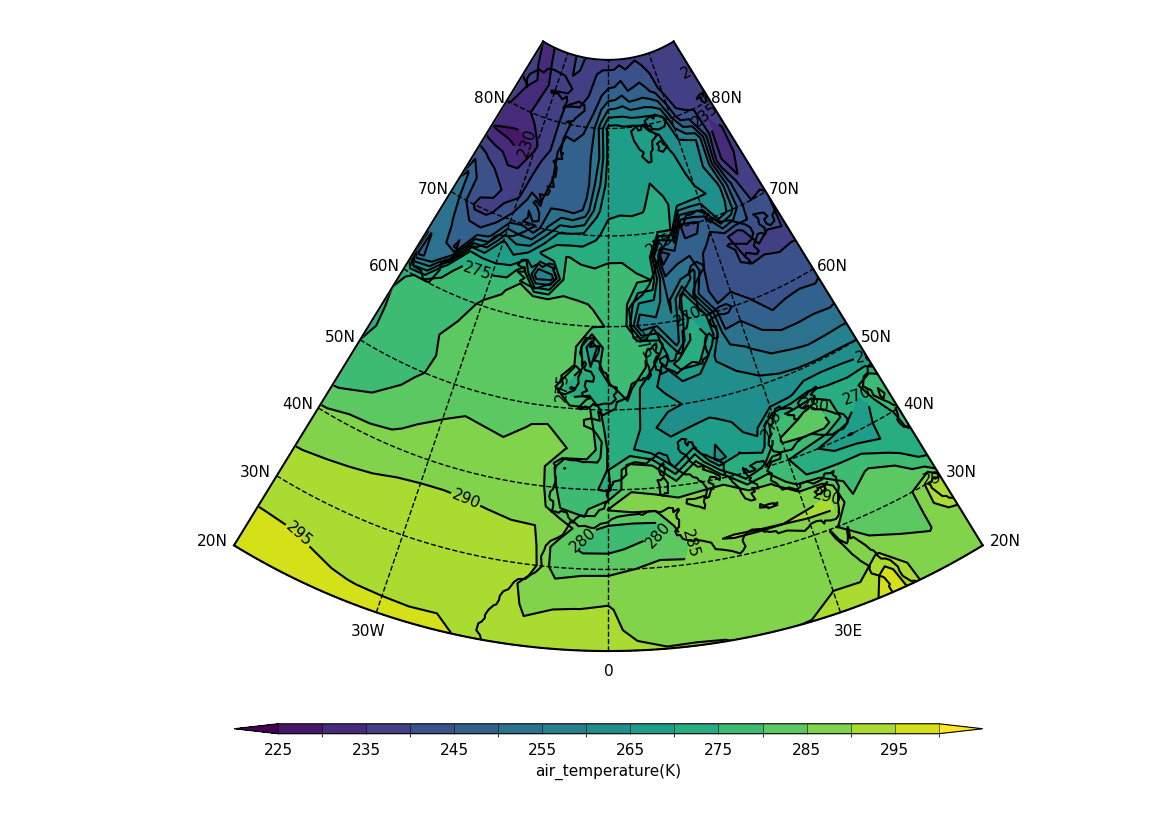
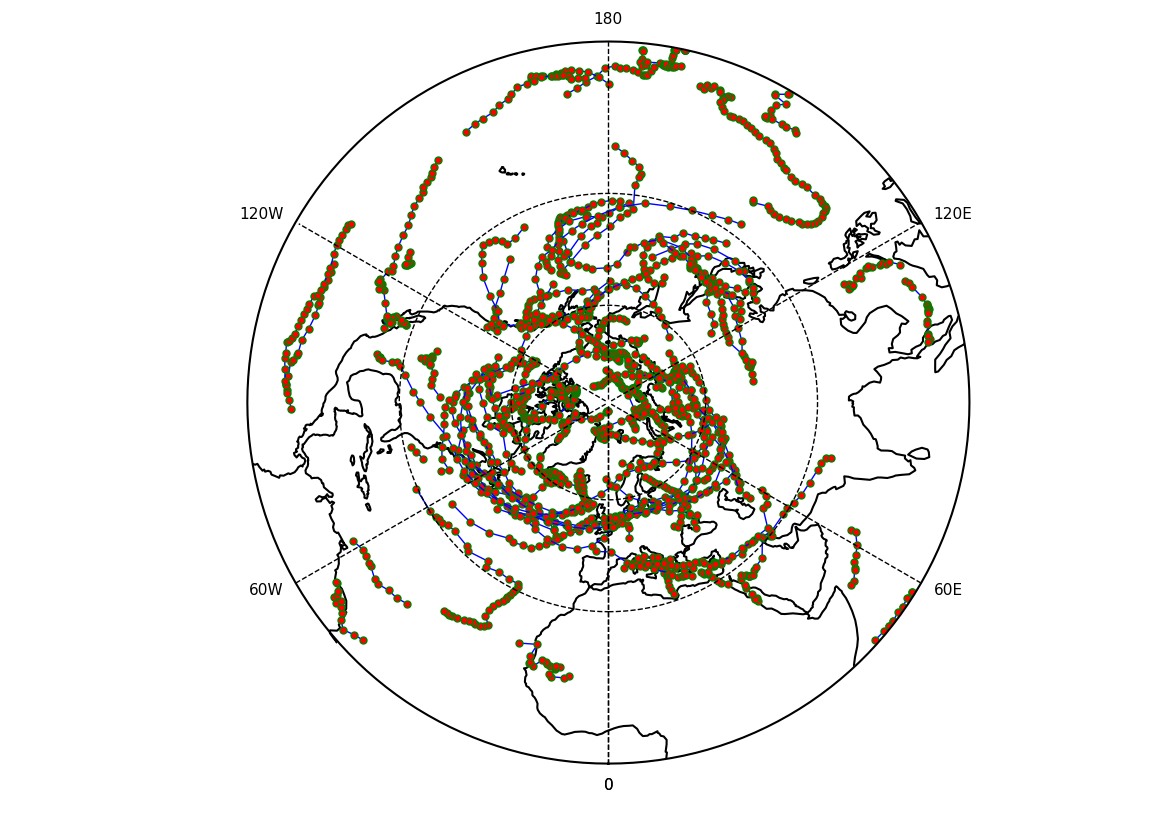
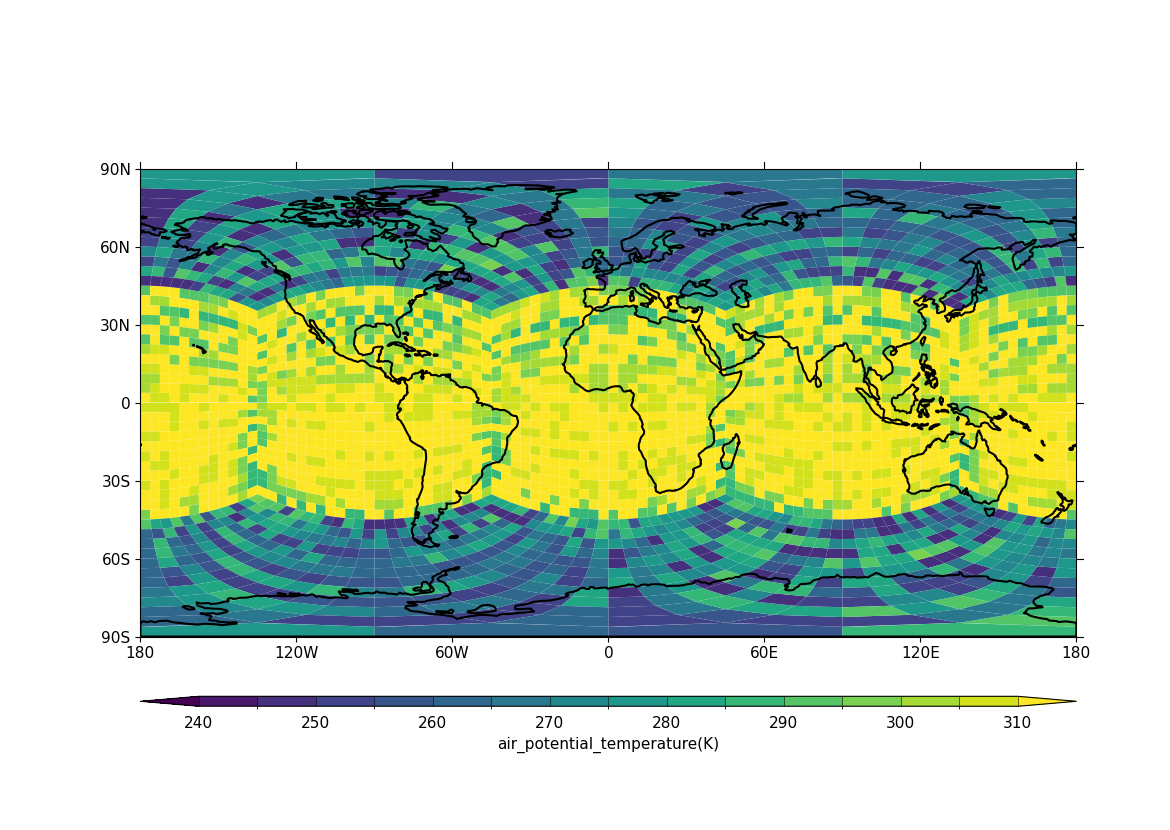
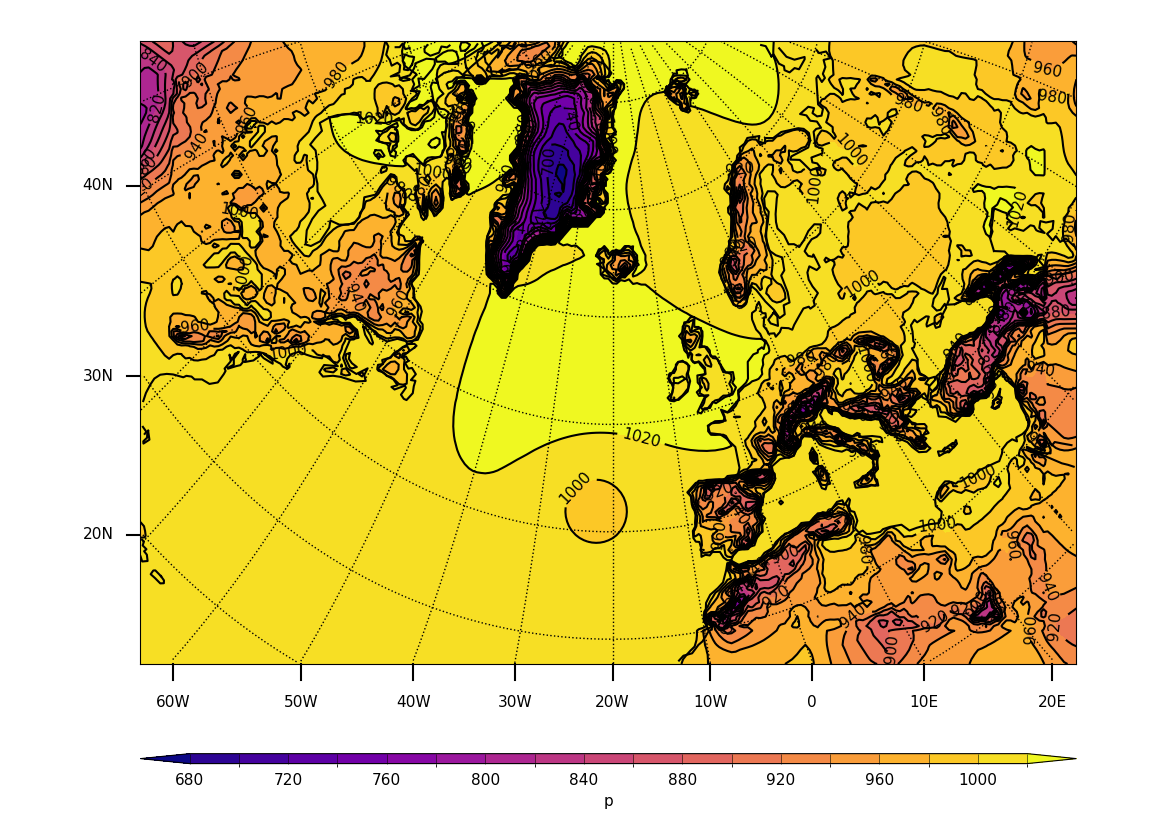
In this gallery one particular example is highlighted to illustrate each type/theme category, but you are encouraged to explore further examples by clicking through to the category pages.



Listing of all examples#
Note
All example code assumes the following imports have been made,
where numpy is usually not required but it is for some
of the examples:
cfp by convention#import cfplot as cfp
import cf
import numpy as np # only required for some examples
Tip
Most of the examples use cf-python to read in a dataset to a
FieldList and then extract one or more Field objects
from the resulting FieldList to use (for plotting), which
can be done either by indexing or through use of the cf-python
selection methods, select_by_*.
For consistency across the examples we use the
select_by_identity method to extract field(s)
because it is more explicit about the nature of the Field
choice than indexing, except where the FieldList contains
only one field where we use the first (0th) index to take the
only field. But note the alternative approaches:
Field from a
FieldList using cf-python#>>> # Get the FieldList (call it 'fl')
>>> fl = cf.read(f"cfplot_data/ggap.nc")
>>> print(fl)
[<CF Field: divergence_of_wind(time(1), pressure(23), latitude(160), longitude(320)) s**-1>,
<CF Field: long_name=Ozone mass mixing ratio(time(1), pressure(23), latitude(160), longitude(320)) kg kg**-1>,
<CF Field: long_name=Potential vorticity(time(1), pressure(23), latitude(160), longitude(320)) K m**2 kg**-1 s**-1>,
<CF Field: specific_humidity(time(1), pressure(23), latitude(160), longitude(320)) kg kg**-1>,
...
]
>>> # Extract the fourth field by indexing
>>> f = fl[3]
>>> f
<CF Field: specific_humidity(time(1), pressure(23), latitude(160), longitude(320)) kg kg**-1>
>>> # Extract the same field through select_by_identity
>>> g = fl.select_by_identity("specific_humidity")[0]
>>> # Check this is the same as the f field above
>>> g.equals(f)
True
>>> # Extract the same field through select_by_units (and indexing)
>>> fl.select_by_units("kg kg**-1")
[<CF Field: long_name=Ozone mass mixing ratio(time(1), pressure(23), latitude(160), longitude(320)) kg kg**-1>,
<CF Field: specific_humidity(time(1), pressure(23), latitude(160), longitude(320)) kg kg**-1>]
>>> h = fl.select_by_units("kg kg**-1")[1]
>>> # Check this is the same as the f field above (and hence g too)
>>> h.equals(f)
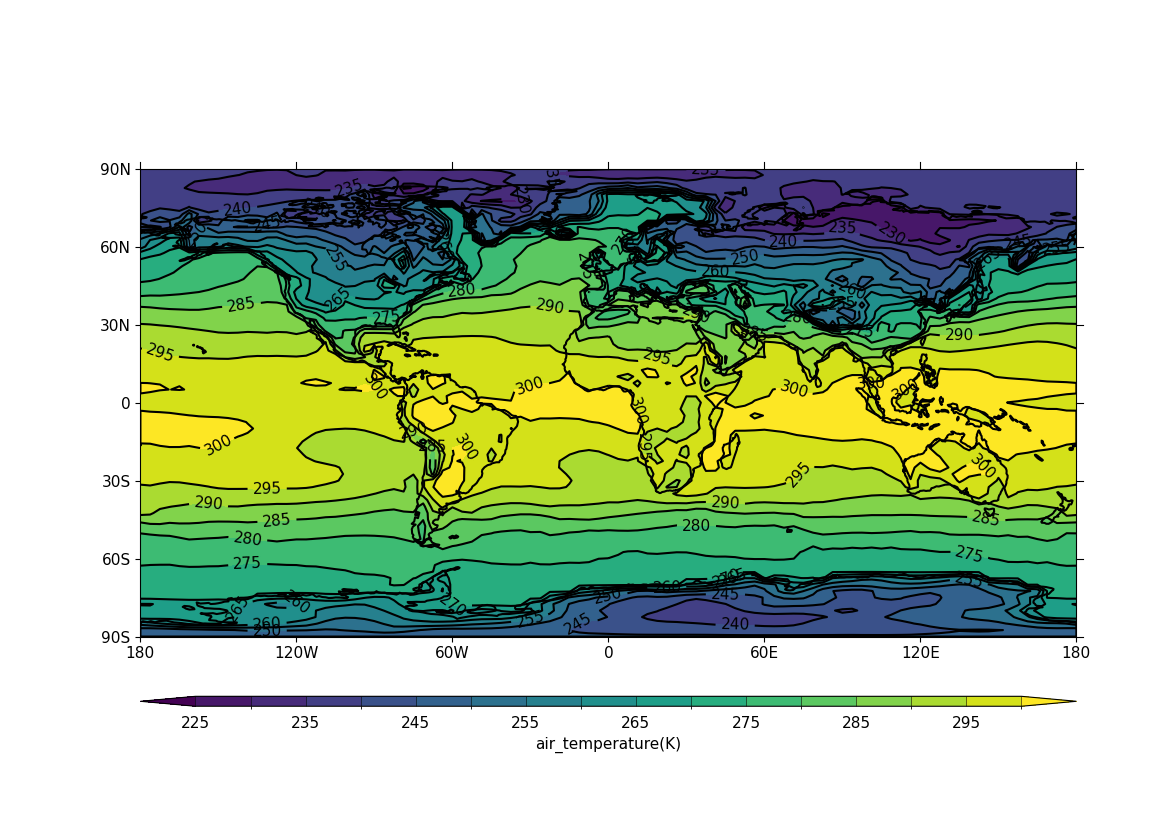
- Example 1: Basic contour plot in default projection
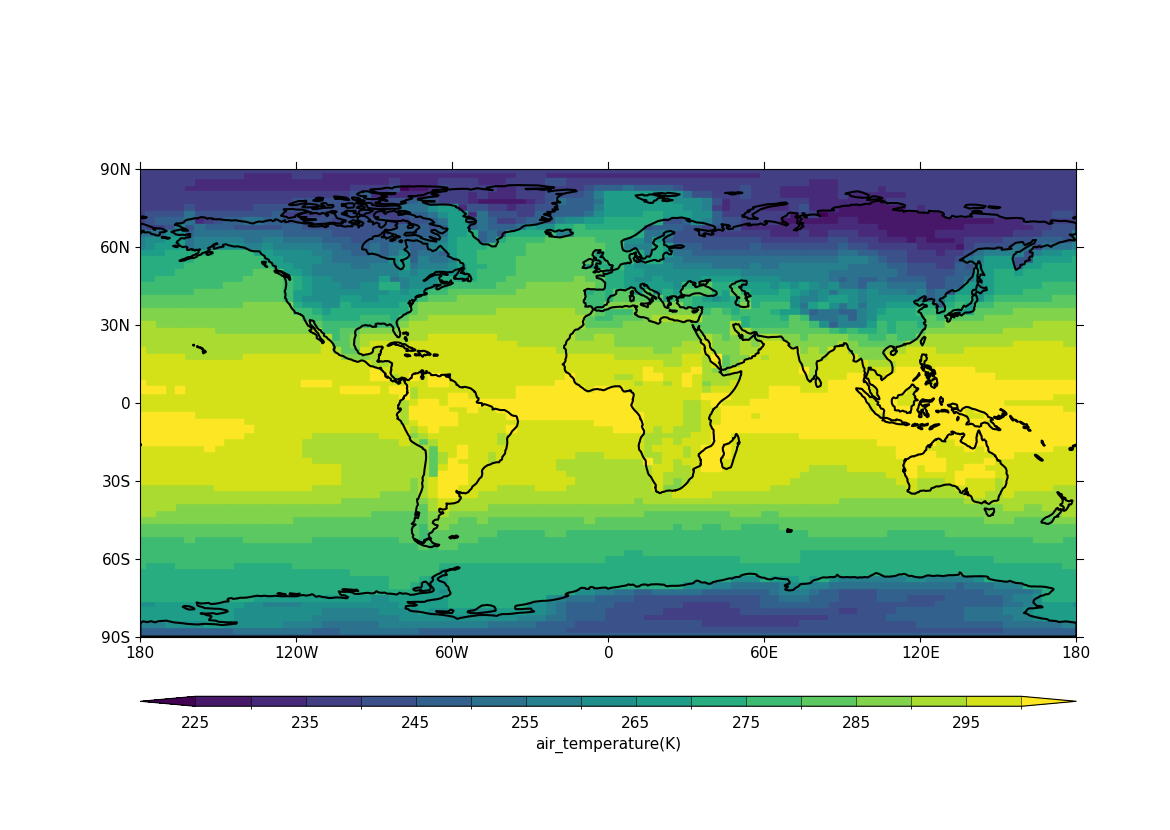
- Example 2: Basic blockfill plot in default projection
- Example 3: Contour plot with altered map limits and levels
- Example 4: North Pole polar stereographic projection contour plot
- Example 5: South Pole polar projection contour plot with bounding latitude
- Example 6: Latitude-pressure plot at set longitude
- Example 7: Latitude-pressure plot over zonal mean
- Example 8: Latitude against log of pressure over longitude zonal mean
- Example 9: Longitude-pressure plot over latitude mean
- Example 10: Latitude-time Hovmöller plot
- Example 11: Latitude-time subset view Hovmöller plot
- Example 12: Longitude-time Hovmöller plot
- Example 13: Basic vector plot
- Example 14: Vector plot overlaid on a contour map
- Example 15: Polar projection vector plot
- Example 16a: Zonal vector plot
- Example 16b: Basic stream plot
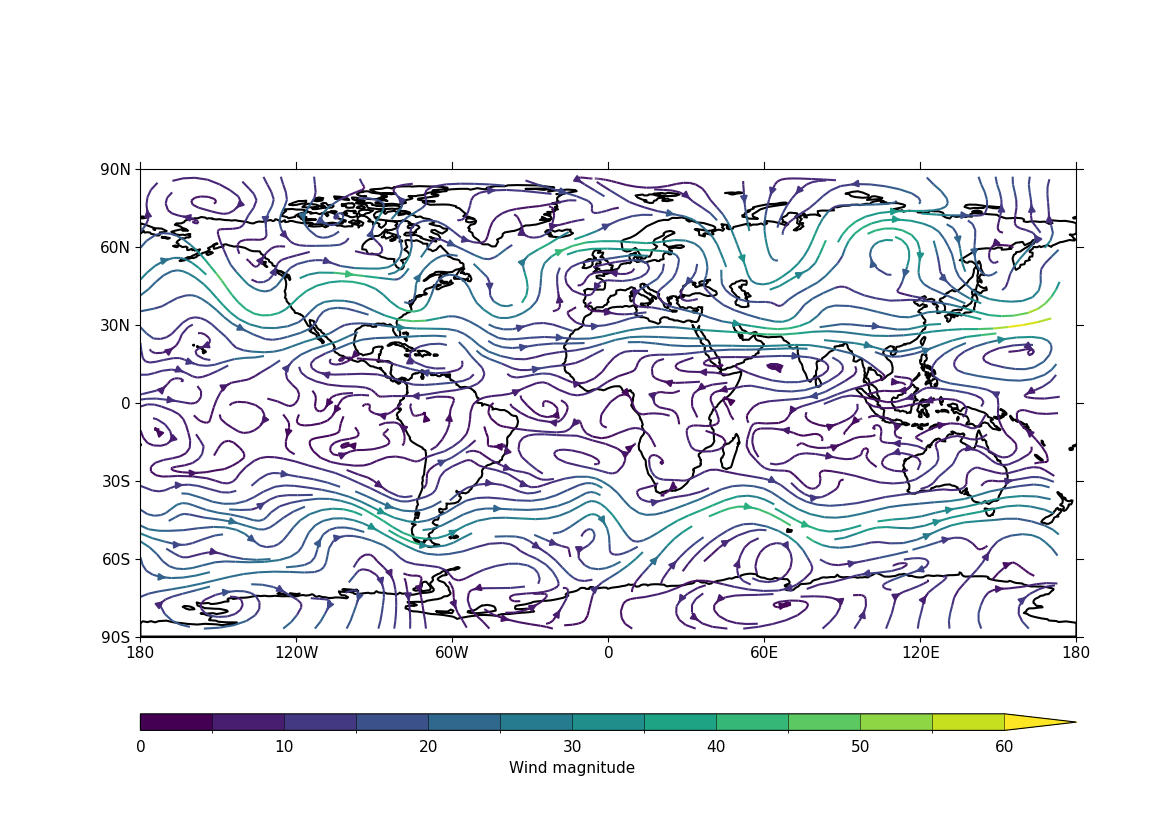
- Example 16c: Stream plot in a colour scale
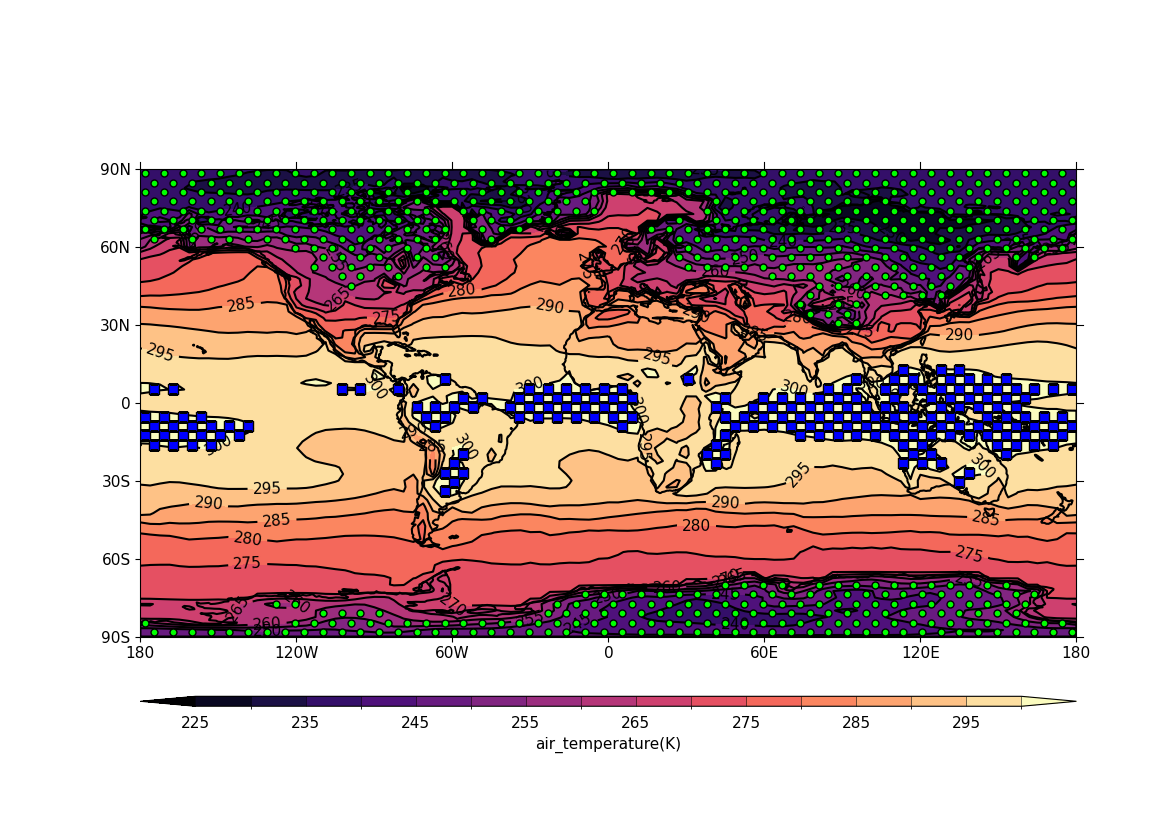
- Example 17: Basic stipple plot
- Example 18: Polar stipple plot
- Example 19a: Multiple plots
- Example 19b: Multiple plots with user-specified plot positions
- Example 19c: Accomodating more than one colour bar
- Example 20: Case where user-defined axis labels are required
- Example 21a: User-defined axes
- Example 21b: Plot of rotated pole data
- Example 22: Plot of rotated pole data on its native grid
- Example 23a: Rotated pole plot from data which is not CF Compliant
- Example 23b: Overlaying vectors over a rotated pole data plot
- Example 24a: UGRID blockfill plot with LFRic cubed sphere mesh output
- Example 24b: UGRID plot in the polar stereographic projection view
- Example 25: UGRID contour plot with ORCA 2 output
- Example 26a: Contour plot based on discrete feature values
- Example 26b: Contour plot from discrete feature values with labelling
- Example 27: Basic line plot
- Example 28: Line plot with a legend
- Example 29: Time series line plot
- Example 30: Line plot with two x axes
- Example 31: UKCP projection
- Example 32: UKCP projection with blockfill
- Example 33: OSGB and EuroPP projections
- Example 34: Cropping the Lambert Conformal Conic (LCC) projection
- Example 35: Mollweide projection
- Example 36: Mercator projection
- Example 37: Orthographic projection
- Example 38: Robinson projection
- Example 39: Basic track plotting
- Example 39b: plotting a single (1D) DSG trajectory
- Example 40: Tracks in the polar stereographic projection
- Example 41: Feature propagation over Europe
- Example 42a: Tracks with labelled data points
- Example 42b: Tracks displayed in a colour scale
- Example 43: CF-compliant WRF model output data
Example Datasets#
The examples make use of a small number of sample datasets. These are
available to view and download from a
dedicated directory in the codebase repository.
Alternatively, they may be downloaded together as a pair of zip files
(split into two parts to fit within GitHub file size limits,
total size ~125 MB) available from
here (part 1 of 2) and
here (part 2 of 2) which can be
unzipped together to the full dataset directory as follows:
# Download the split zip parts: either use 'wget' as below or
# download both files from the links above
wget https://github.com/NCAS-CMS/cf-plot/tree/main/docs/source/_downloads/example-datasets.z01
wget https://github.com/NCAS-CMS/cf-plot/tree/main/docs/source/_downloads/example-datasets.zip

# Recombine into a single zip (zip -s0 merges split parts)
zip -s0 example-datasets.zip --out all-example-datasets.zip

# Unzip the merged file
unzip all-example-datasets.zip